
Know your assets
Keep equipment information, locations and maintenance history organised.
 BUILT AROUND THE WORK
Keeping equipment running shouldn’t require complicated software.
Micro CMMS brings your assets, maintenance schedules and work orders together in one practical, easy-to-use system.
Whether you’re moving beyond spreadsheets or looking for a simpler way to manage maintenance, Micro CMMS helps your team stay organised and focused on the work that matters.
Keep equipment information, locations and maintenance history organised.

Plan recurring preventive maintenance and see upcoming work before it’s due.

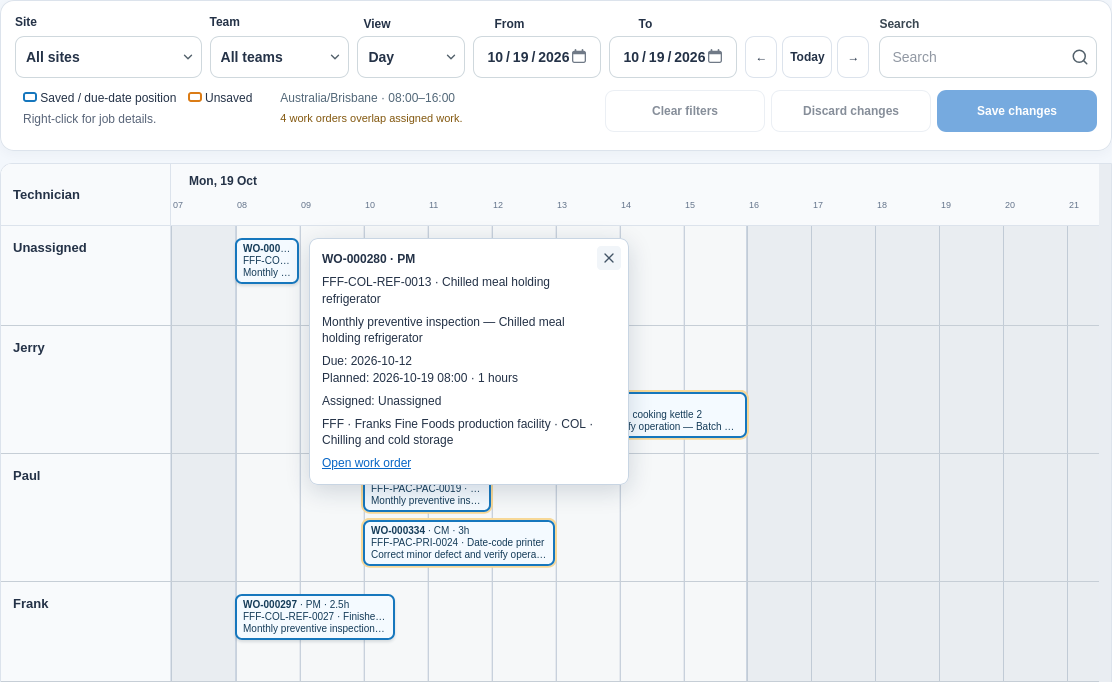
Create, assign, schedule and track maintenance work orders.

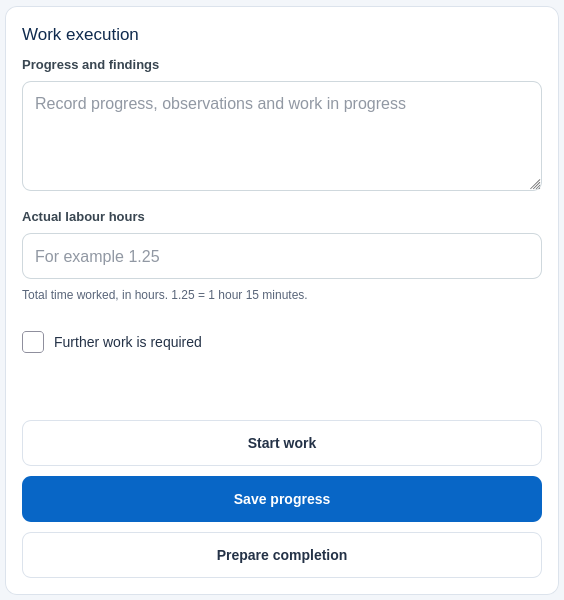
Access assigned work, scan asset QR codes and complete maintenance tasks from a mobile device.

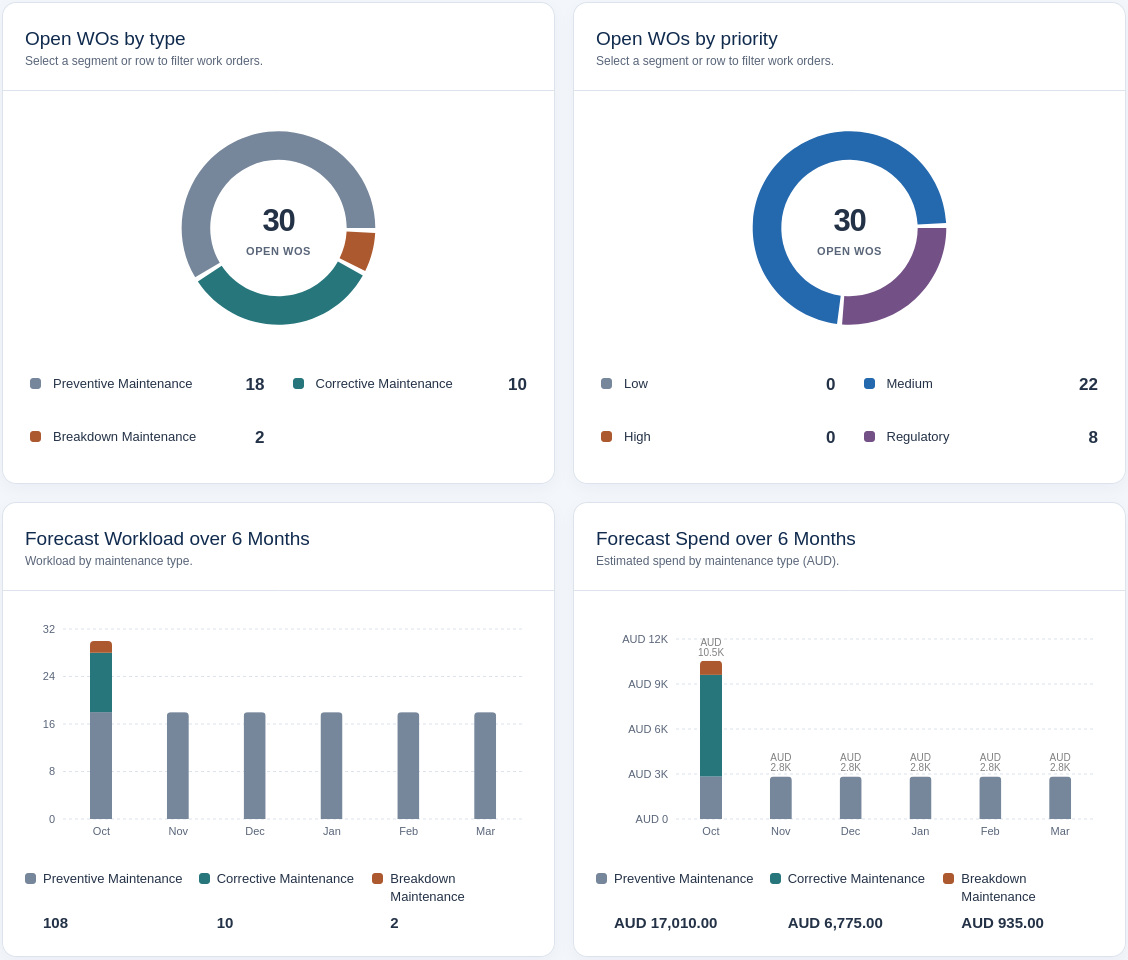
Use dashboards, forecasts and reliability measures to understand workload and recurring equipment problems.
Less administration. More maintenance.
FROM PLANNING TO COMPLETIONPractical tools to manage maintenance from planning through to completion.
Keep equipment, locations, meter readings and maintenance history together in one central register.
Manage planned, corrective and breakdown work, with estimates, actual labour, completion notes and follow-up review.
Plan calendar- or meter-based maintenance, forecast upcoming work and automatically generate due work orders.
Drag jobs between technicians and times, with half-hour planning and filters for site and team.
Review PM compliance, MTBF, MTTR and availability. Spot recurring problems and export lists to Excel.
Find and claim unassigned work, scan assets, record findings and labour, and complete assigned jobs.
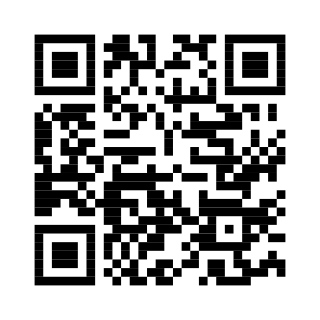
Connect equipment to maintenance information using asset QR codes.
Print individual or bulk labels on A4 sheets or label rolls. Scan for open work and recent maintenance history. This promotional example opens microcmms.com.
Genuine product screens using Franks Fine Foods sample data.